AI Effects
HOT
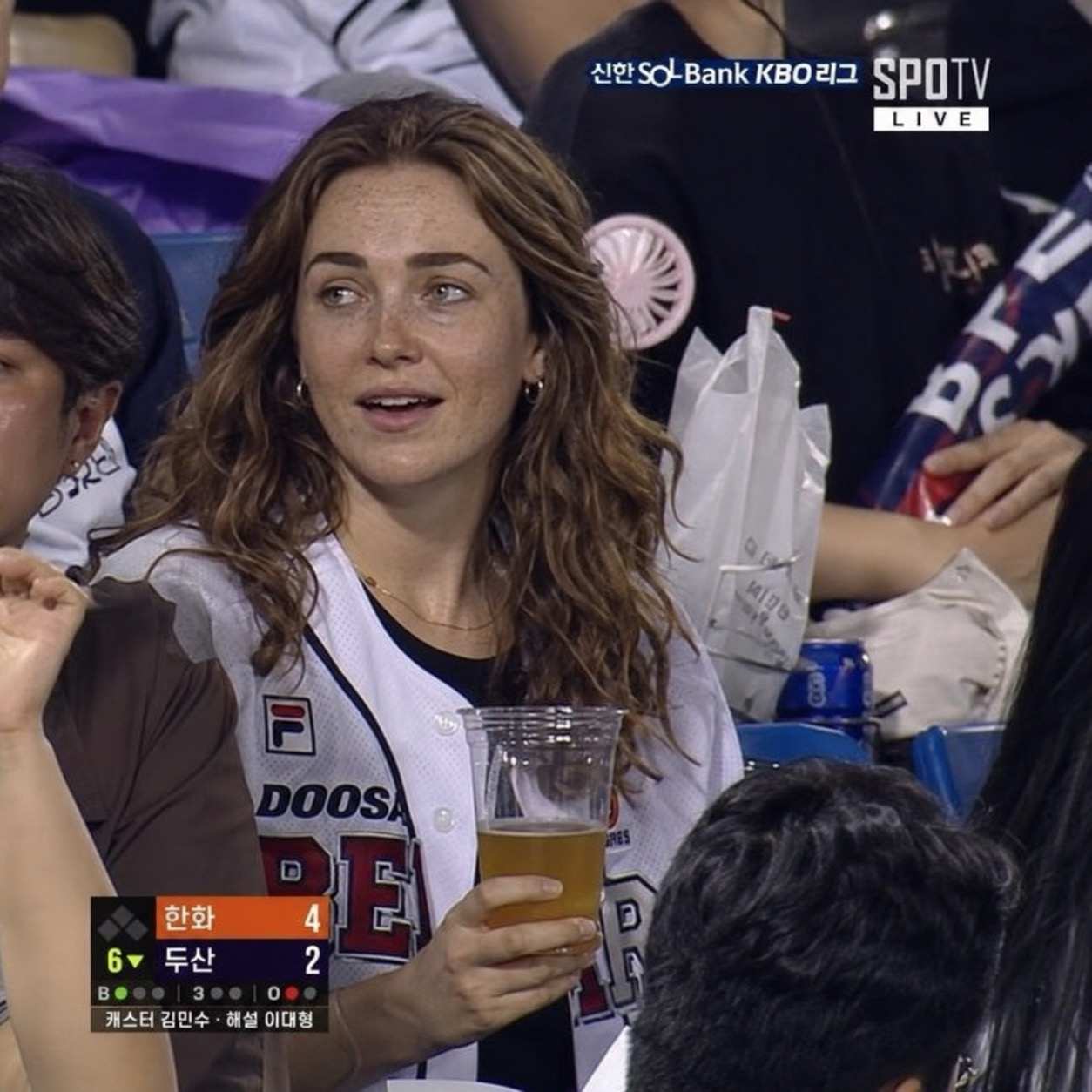
Korean Baseball AI Trend
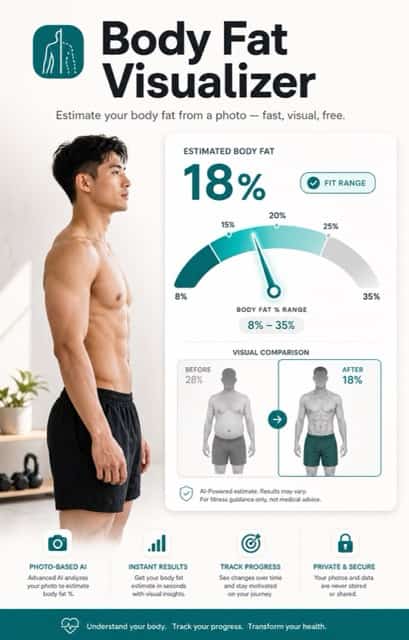
Body Fat Visualizer
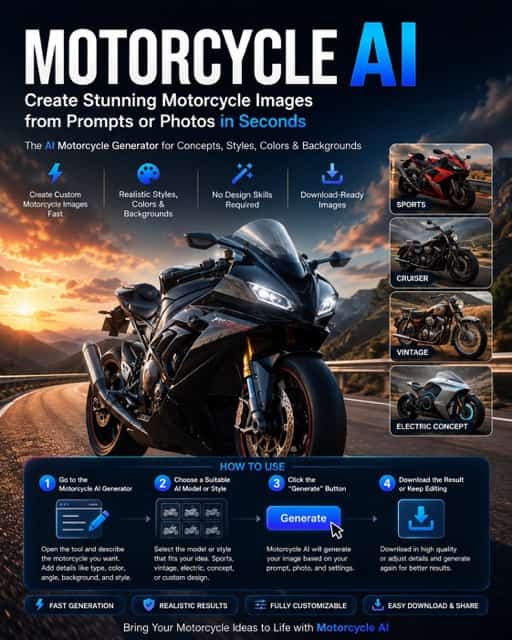
Motorcycle AI
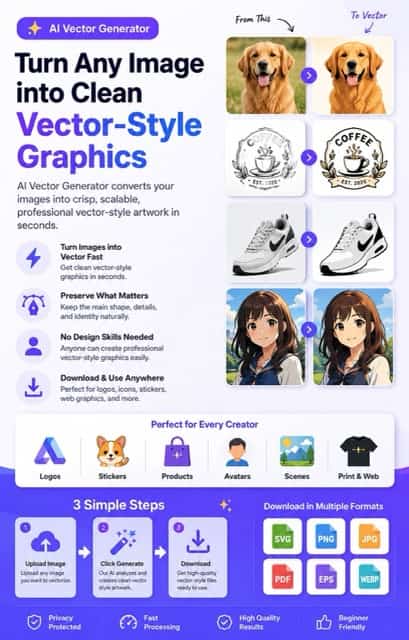
AI Vector Generator
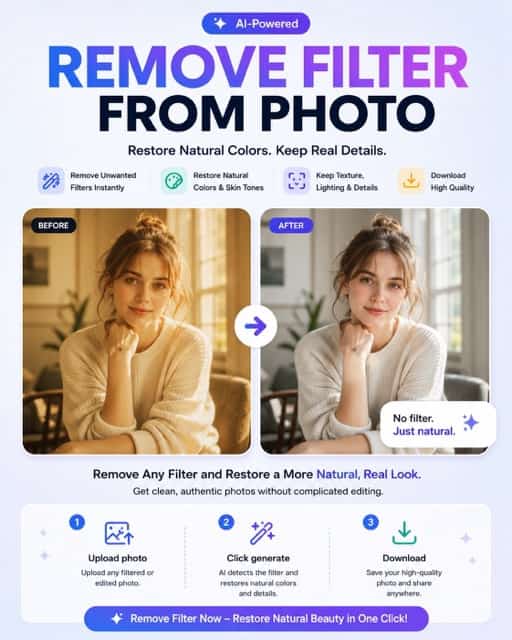
Remove Filter From Photo
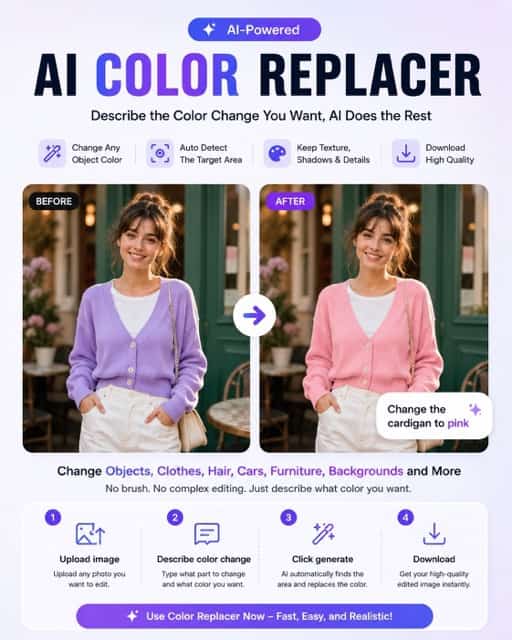
AI Color Replacer
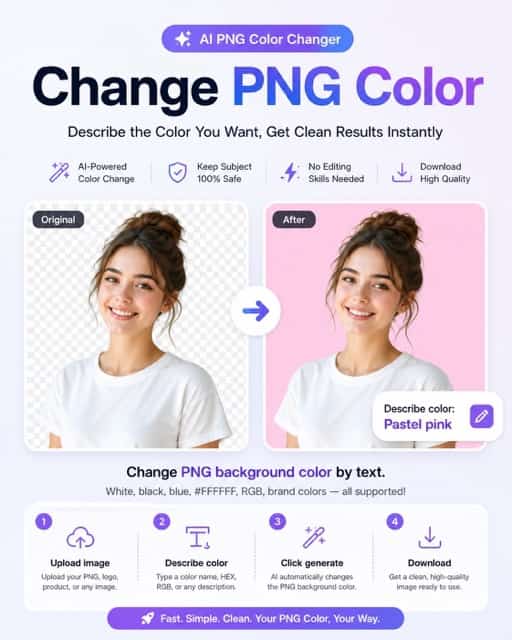
Change PNG Color

Mug Design
AI Disney Poster
Sprunki OC Maker
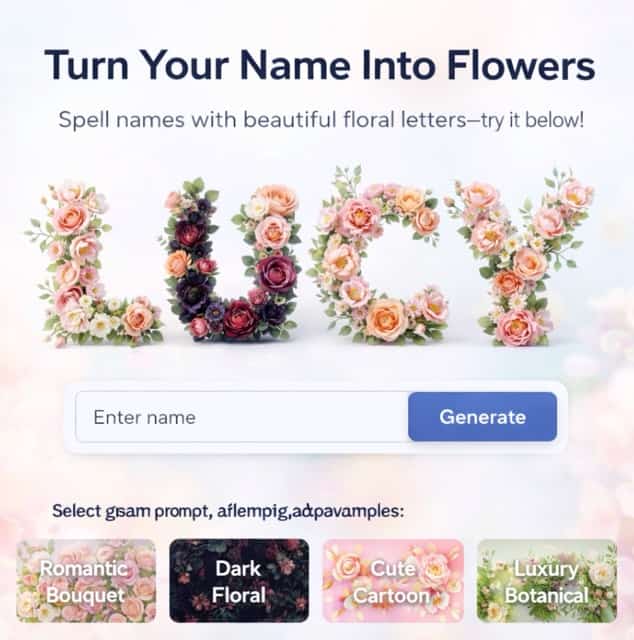
Turn Name Into Flowers
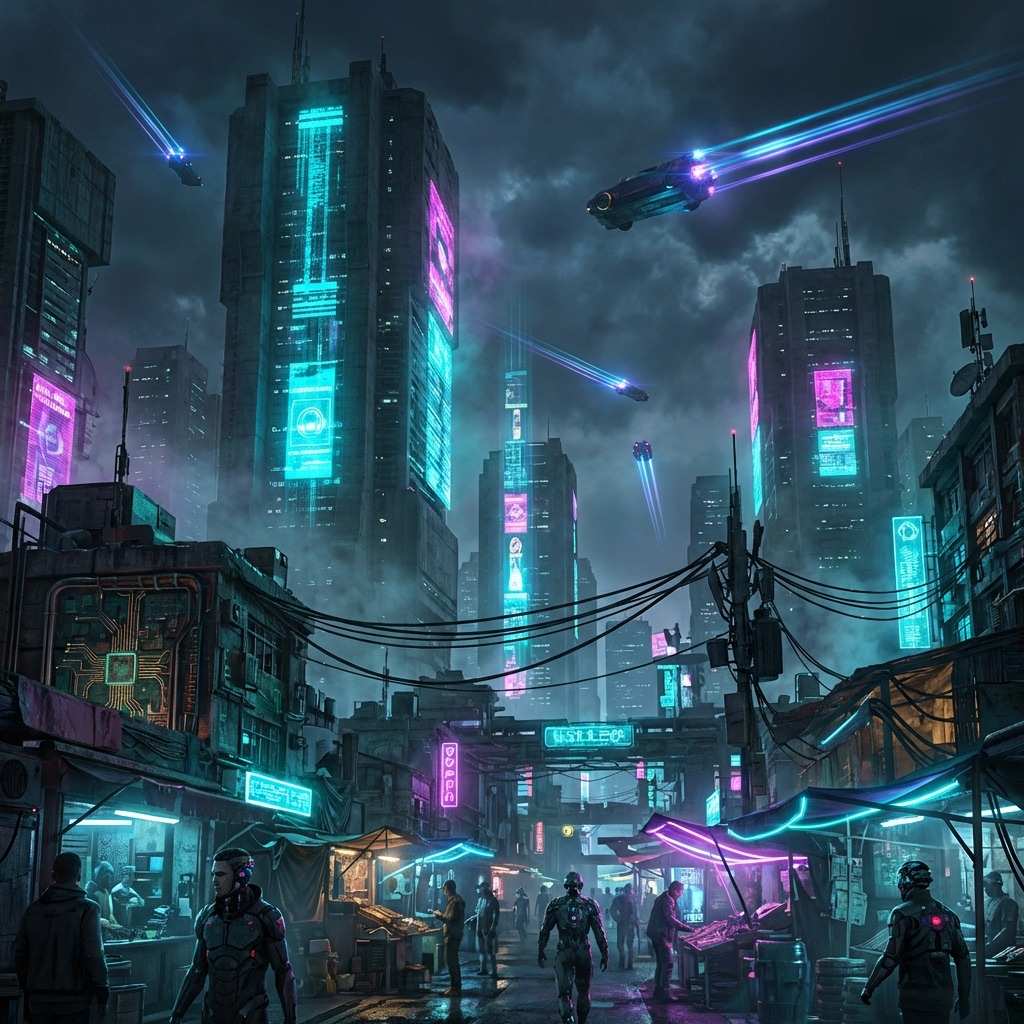
Cyberpunk Wallpaper Generator
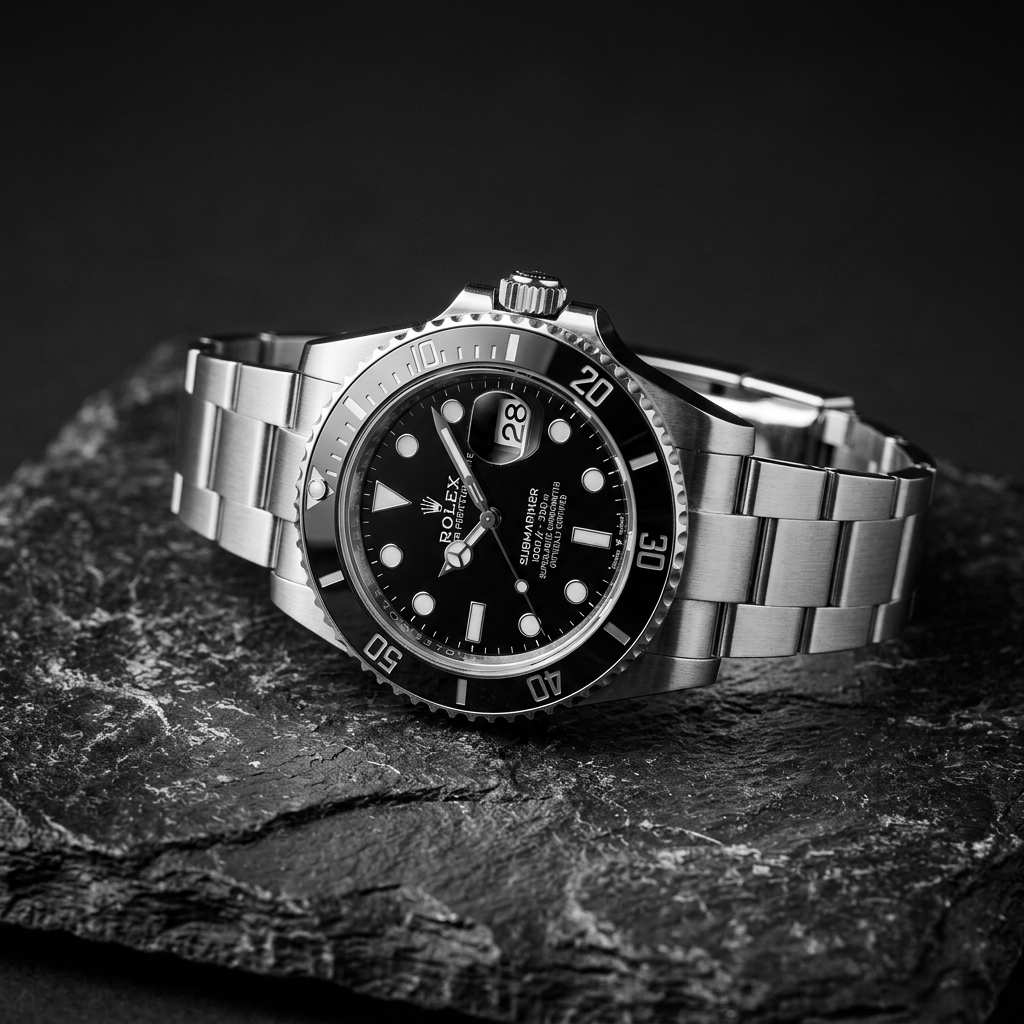
Black and White Filter
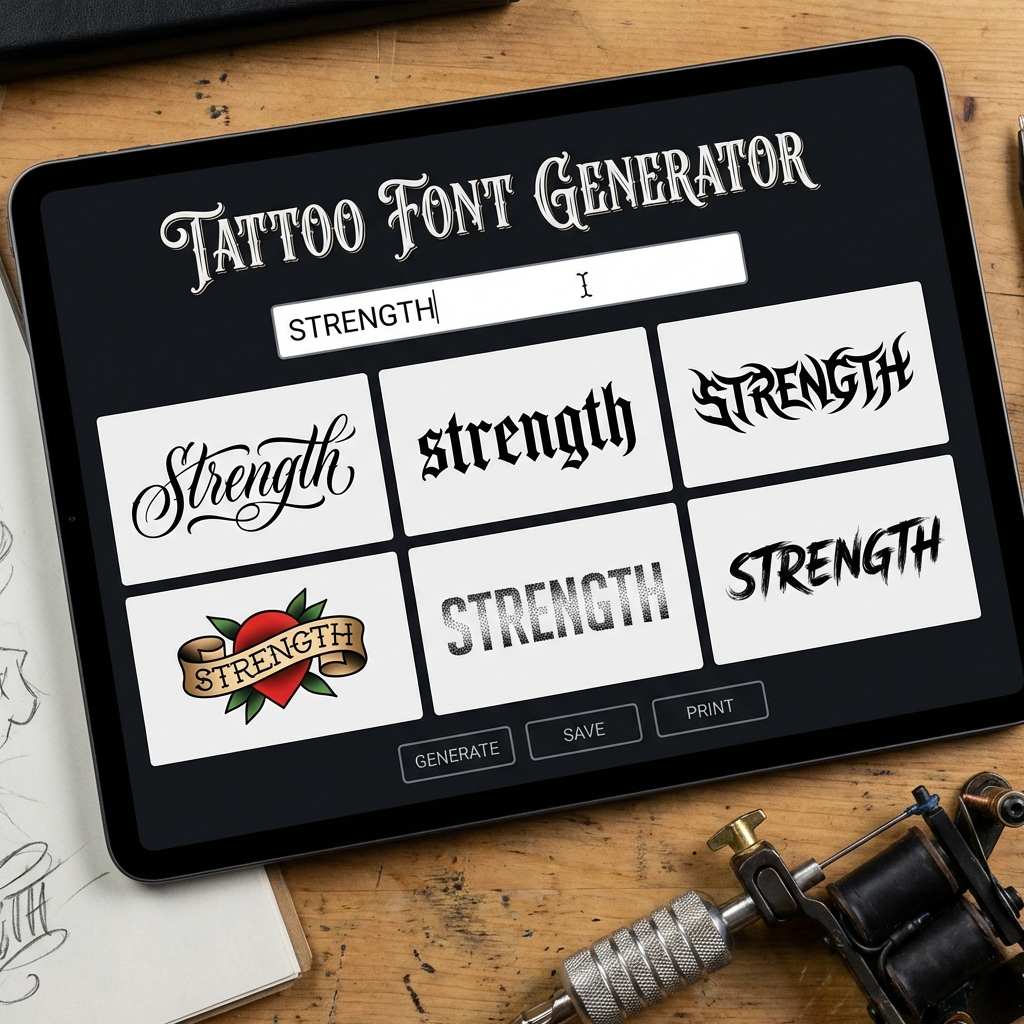
Tattoo Font Generator
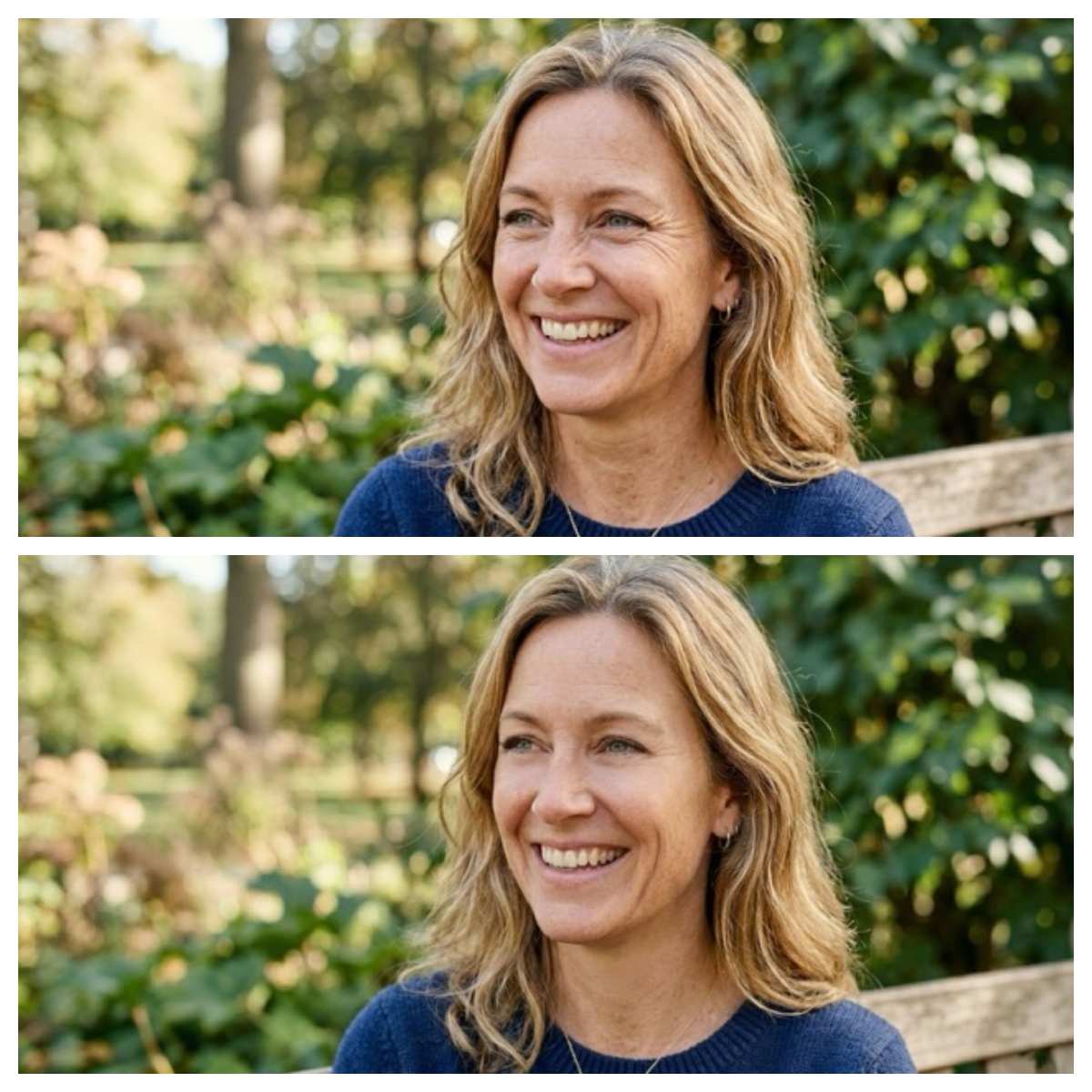
AI Wrinkle Remover
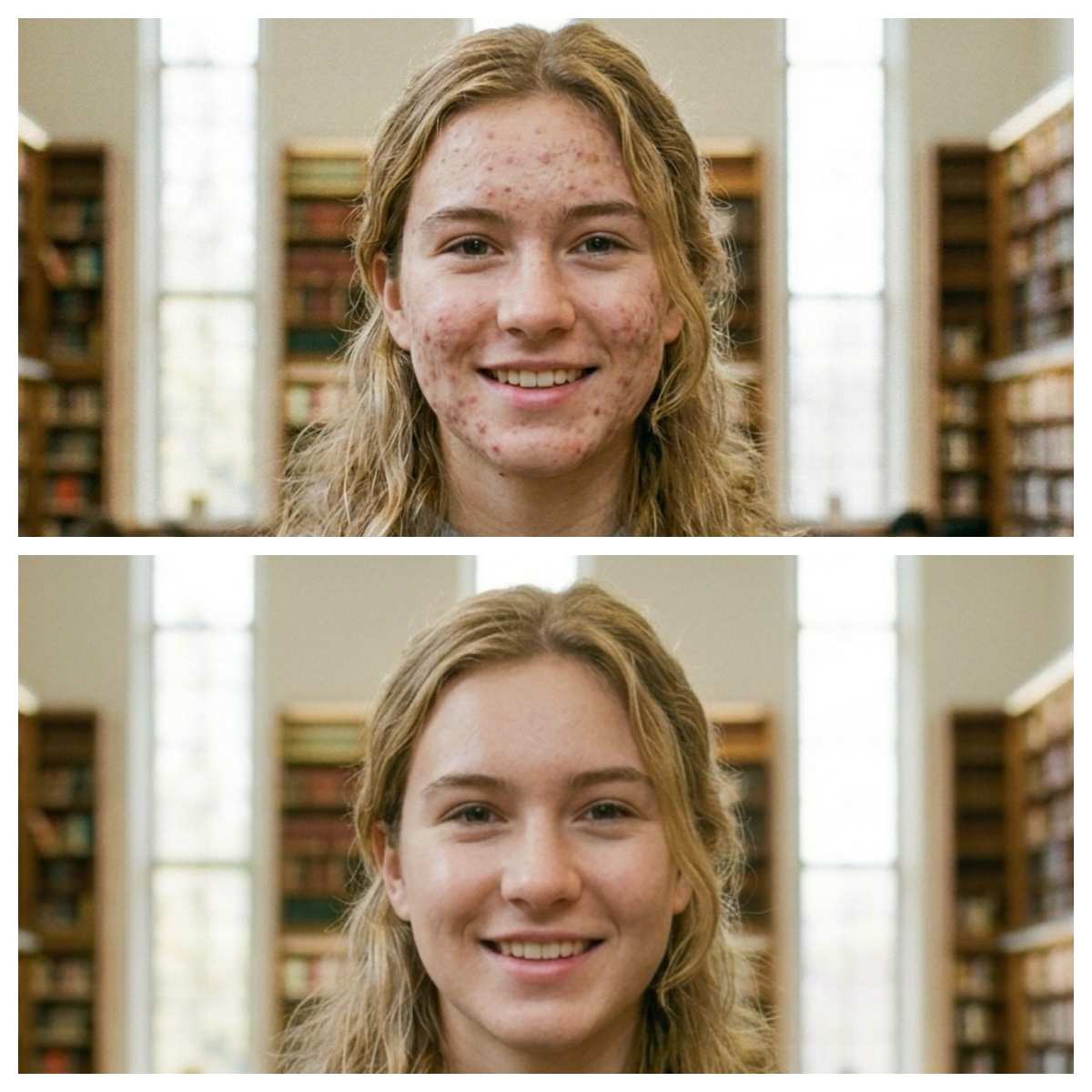
AI Blemish Remover
Dandy's World OC Maker
AI Body Editor
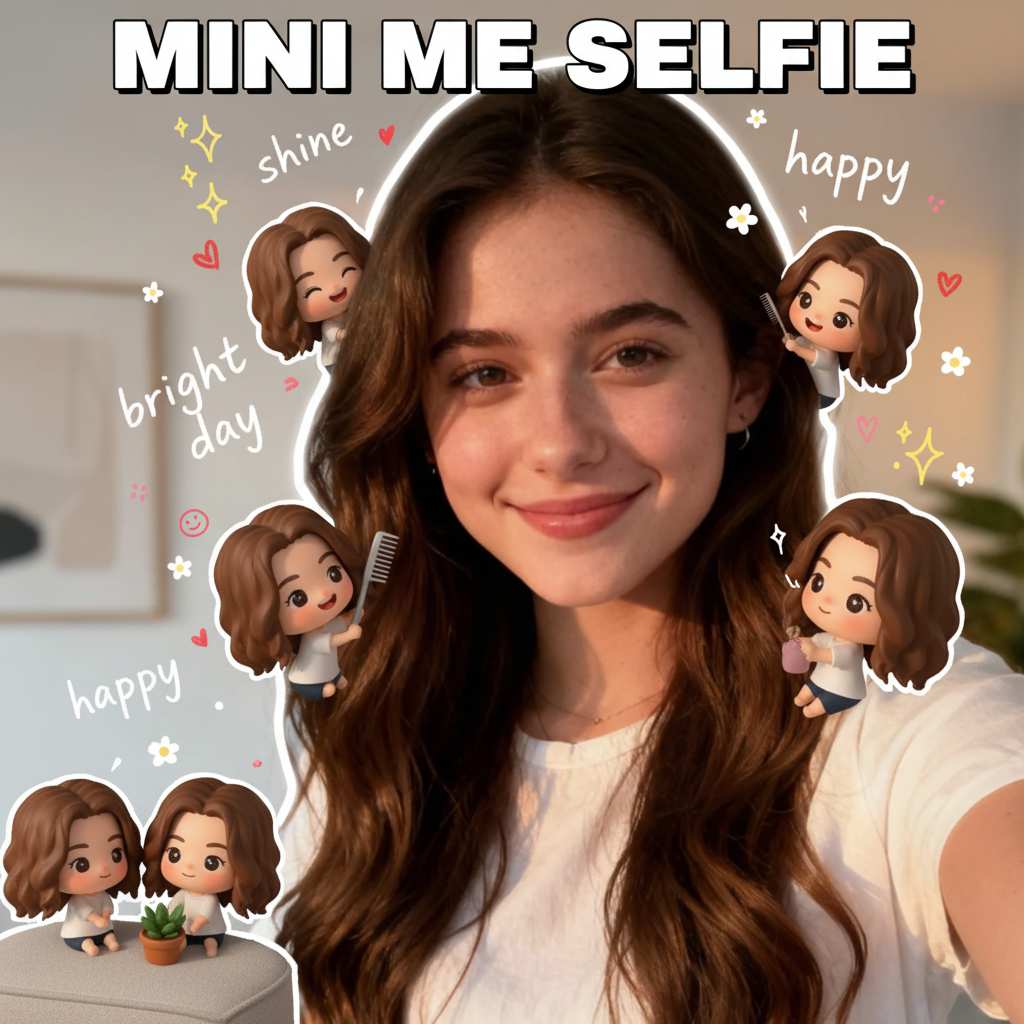
Mini Me Selfie
AI Effects Library: Professional Video Effect & Image Effect Generator Free Online
Discover a focused library of AI effects for video and image creation. Browse cinematic transformations, visual filters, and creative enhancements built for fast production workflows.
Comprehensive AI Effects Suite
Use one library for video effects, image effects, output quality, editing flow, and commercial-ready creative assets.
Advanced Video Effect Processing
Apply motion, style, character, and scene transformations while keeping source clips clear enough for professional social and marketing work.
Intelligent Image Effect Engine
Turn still images into polished edits with contextual filters, appearance changes, art styles, and content-aware enhancements.
Professional Quality Output
Effects are organized around practical creator needs, with previews and media formats that make it easier to choose the right result.
User-Friendly Interface
Browse by media type, filter by scenario, preview the result, and start from a ready-made effect instead of building from scratch.
Royalty-Free AI Effects
Use effect templates as a production starting point for campaigns, posts, presentations, and personal creative projects.
Why Choose Our AI Effects Platform?
A production-oriented effect library keeps discovery, preview, and creation in one place.
Video Effect Library
Cinematic, character, motion, and social-native video effects are grouped so creators can move quickly from idea to generation.
Image Effect Collection
Image effects cover appearance, stylization, avatars, posters, and visual refreshes for daily creative publishing.
Custom AI Effects
The same layout can map to your own configured R2 assets, categories, and internal generator routes as the product grows.
Real-Time Effects
Preview-first cards give users enough context to understand the outcome before they open a tool.
How to Use AI Effects in 4 Simple Steps
The page is designed around quick discovery and a short path from browsing to creation.
1
Browse AI Effects Library
Start with the banner or the AI Effects grid, then scan visual previews grouped by media type and scenario.
2
Select Your Content Type
Switch between video, image, or all effects, then narrow the set with the configured category pills.
3
Apply AI Effects Instantly
Open an effect card to route users into the matching generator, workflow, or detail page.
4
Download & Share
Generated results can be used for social content, marketing assets, presentations, and personal projects.
AI Effects Use Cases - Professional Solutions
AI effects can support daily publishing, campaign production, learning content, and experimental creative work.
Social Media Content Creation
Create short-form visuals for Instagram, TikTok, YouTube, and Facebook with effects that read clearly in a fast feed.
Marketing & Brand Content
Refresh product clips, campaign images, and branded scenes with consistent visual treatments.
Educational & Training Content
Use clean visual effects to make lessons, demonstrations, and internal training materials easier to follow.
Creative Projects & Art
Experiment with styles, characters, environments, and transformations without starting from an empty prompt.
Business Presentations
Add polished visual moments to decks, explainers, and launch materials.
Personal Projects & Memories
Turn photos and clips into stylized moments for sharing, gifts, and personal collections.
What Creators Love About Our AI Effects
"The effects grid makes it much faster to find a starting point for a post or campaign."
"Video previews help our team understand the output before spending time on a full generation."
"The image effects are useful for quick creative tests and polished social assets."
"Having everything grouped by scenario makes the library feel practical instead of overwhelming."
AI Effects FAQ - Your Questions Answered
Common questions about browsing, applying, and using AI video and image effects.
What types of AI effects are available in the library?
The library can include video transformations, image filters, character effects, appearance edits, scene changes, and social trend templates.
Can I use AI effects for free?
The page supports free entry points and can be wired to your credit, subscription, or trial rules through the configured card routes.
How long does it take to process AI effects?
Processing time depends on the model, media type, input size, and provider queue. Image effects are usually faster than video effects.
What file formats do AI effects support?
The final supported formats should follow your generator configuration. Most workflows commonly accept images, short videos, or both.
Can I combine multiple AI effects on the same content?
Yes, this can be supported by routing generated results back into another compatible effect or workflow.
Are AI effects royalty-free for commercial use?
Commercial usage should follow your product terms, model provider rules, and any user-uploaded source rights.
Transform Your Content with Professional AI Effects Today
Use this configurable effects page as the front door for creative discovery, preview, and generation across both video and image workflows.